
Tablets
Tablets are portable touchscreen devices for everyday apps and hands-on learning. GCCS uses varied donated tablets, including Samsung models and an iPad, for practical technology help and activities.
Practical resources

Meet the displays, tablets, accessories, and mobile hotspot GCCS uses for family video visits and everyday technology support.
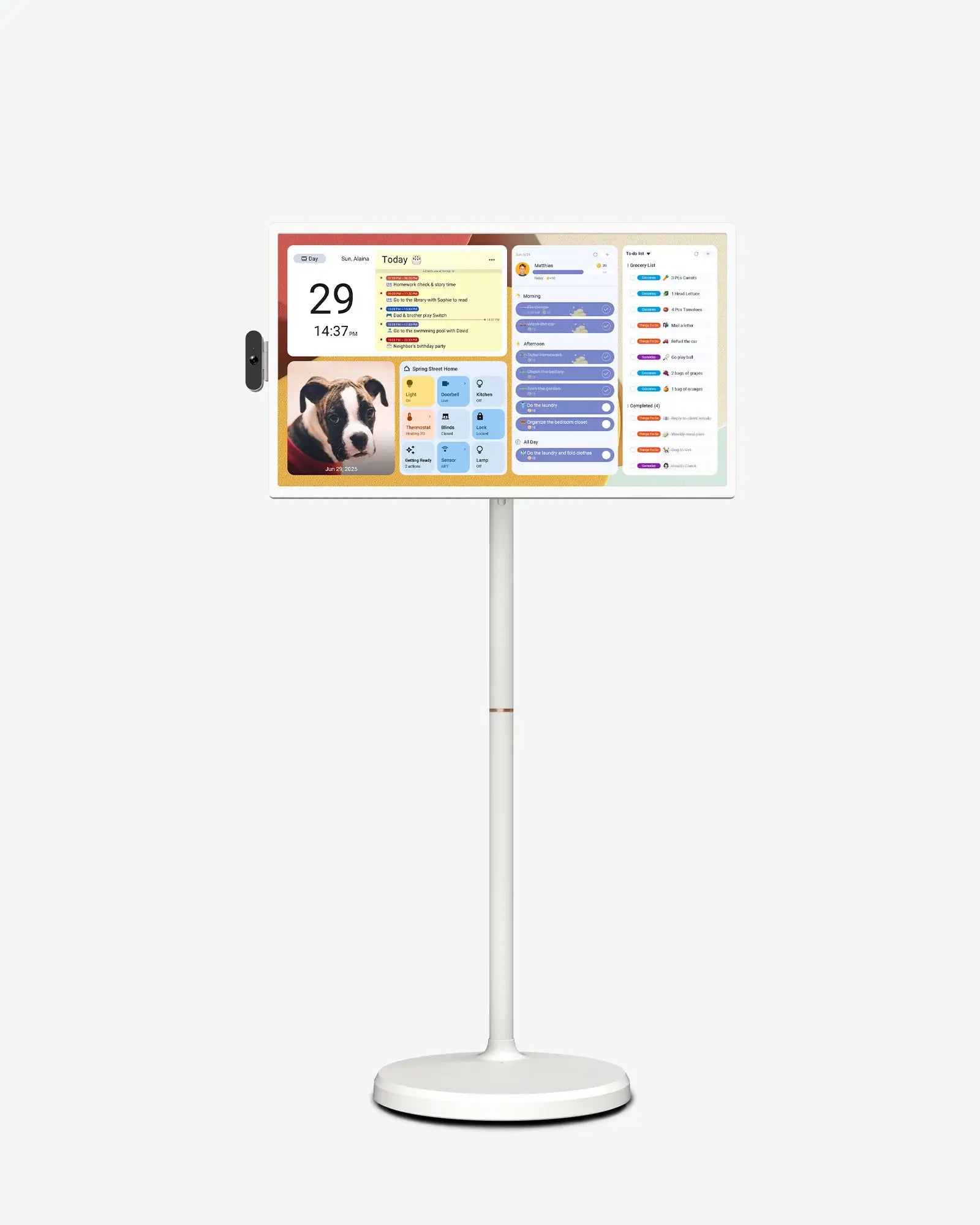
Large screens, shared moments
GCCS owns two Apolosign 32-inch Gen 2 displays.
GCCS uses these large-format displays for family video visits and shared activities. The 32-inch screen provides a larger viewing area for shared sessions.
GCCS earns a commission if you purchase through this Apolosign affiliate link, at no extra cost to you.
View the Current 32-inch ModelTablets are portable touchscreen devices for everyday apps and hands-on learning. GCCS uses varied donated tablets, including Samsung models and an iPad, for practical technology help and activities.
GCCS uses hands-free stands for device positioning, protective cases for everyday protection, styluses for touchscreen interaction, and audio accessories for listening and conversation.
Mobile Wi-Fi
The NETGEAR Nighthawk M7 (MH7150-100PAS) is a portable 5G/4G hotspot with Wi-Fi 7, SIM and eSIM support, and a rechargeable battery. It shares a cellular internet connection with nearby devices over Wi-Fi. GCCS uses it for mobile connectivity during visits.
Read about the Nighthawk M7 at NETGEARGCCS brings these devices and accessories to family video visits and everyday technology-support sessions.